ZOFF / MUSIC ON TV
A bigger screen for the same room
Keep the music visible while everyone joins from their own devices. A TV can become the room’s main player, while phones are used for song suggestions, votes and remote control.
Create a music roomFree to start. No Zoff account needed.
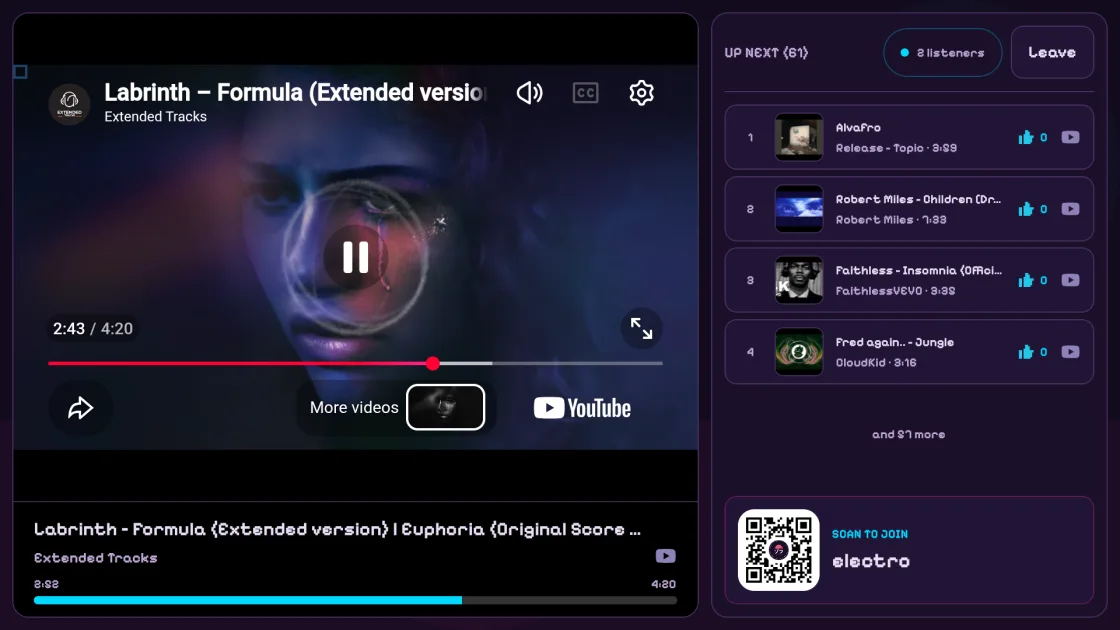
Cast from a supported device
Where Google Cast is supported, use the Cast control in Zoff to send the room to a compatible receiver. Casting depends on your browser or app, network and receiver. Unsupported browsers do not show a Cast button; a normal browser room remains available.
Use the Android TV app
Zoff also has an Android TV app designed for a remote and a larger display. Join the room on the TV and let friends open the same room on their phones. App availability depends on the device and store region.
Pair a phone as a remote
Enable remote control on the player, then pair your phone with the displayed code or QR code. A paired remote controls that player without adding another listener. Keep the player enabled on the device connected to your speakers.
The provider still plays the music
Zoff uses official music-provider players across its supported screens. Track availability and playback behavior can differ between devices. Try your intended setup before a gathering, including audio output and the providers enabled in your room.