ZOFF / LISTEN TOGETHER
Listen together, from anywhere
A call with friends, a late-night gaming session or a quiet afternoon apart: bring everyone into the same music room. Zoff gives your group one shared queue, so choosing the next track becomes part of spending time together.
Create a music roomFree to start. No Zoff account needed.
One room, wherever you are
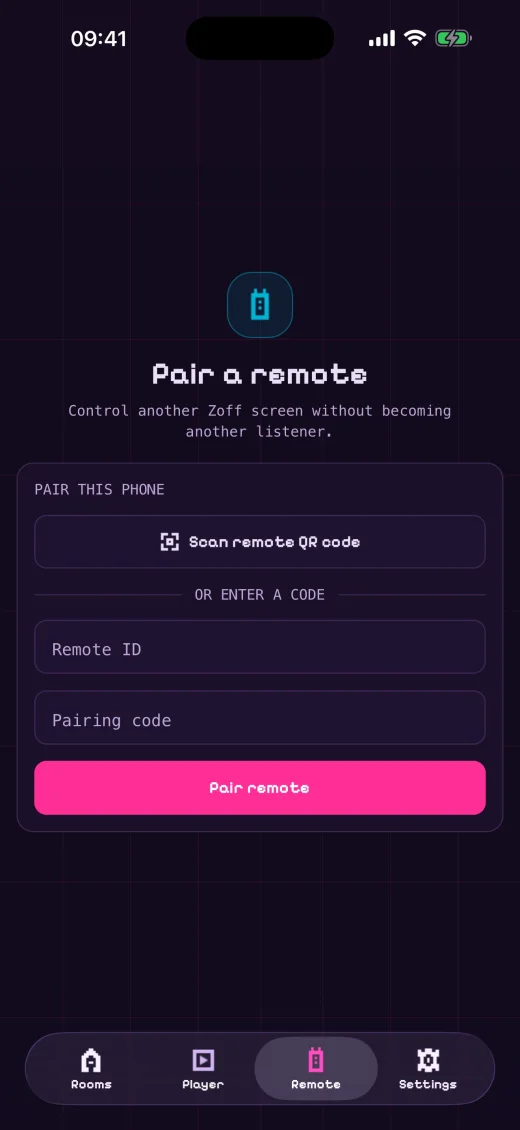
Create a room and share its link. Friends can join in a browser without creating an account, or use the mobile app. Pick a display name so people can see who brought each song to the queue.
Playback that stays together
Server mode keeps the room on a shared playback timeline and moves through the queue automatically. Each listener plays music through the supported provider’s player. A browser may need a tap to start audio, and track availability can vary by provider or region.
Make the soundtrack a group decision
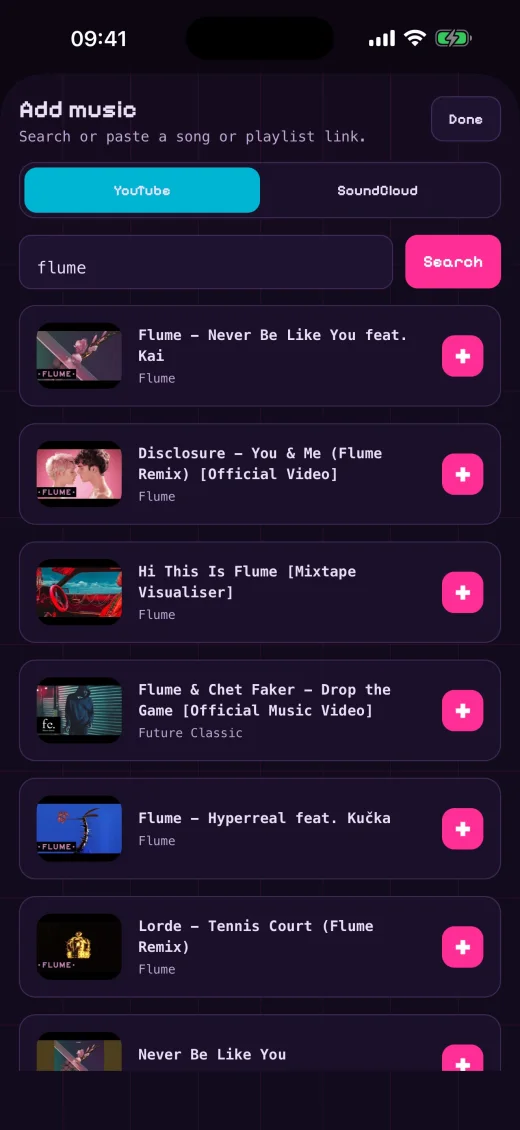
Search the enabled music providers or paste a song link, then add your choice to the queue. Vote for the songs you want to hear next. Room settings decide who can add tracks or skip, so a relaxed listening session does not have to become a battle over the controls.
Keep the conversation where it is
Zoff handles the music while you chat wherever you already spend time, whether that is a Discord call or your usual group chat. Share the room link there; Zoff does not need a chat bot or access to your conversation.