ZOFF / MUSIC ROOMS
A shared space for your music
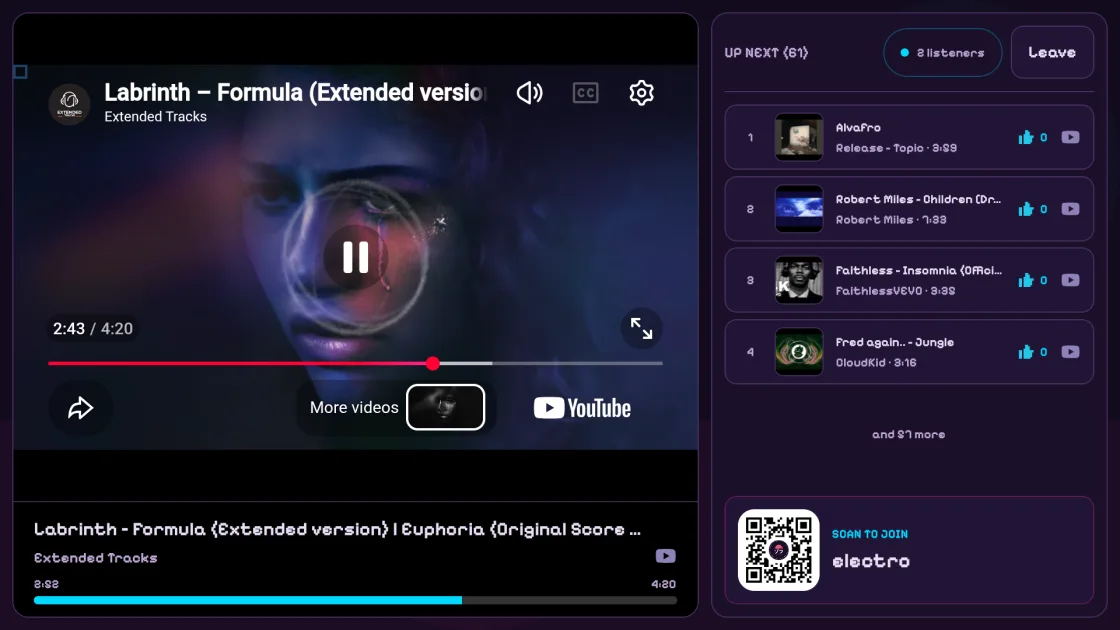
A Zoff music room brings the player, queue and group controls together behind one link. Use it for a recurring listening session, a background soundtrack or a spontaneous catch-up with friends.
Create a music roomFree to start. No Zoff account needed.
Create and share
Choose a room name, select the music sources you want to enable and start a session. Share the link so friends can join the same queue. You do not need to create an account before making a room.
Automatic playback or a host
In server mode, the room keeps a shared playback timeline and advances automatically. In host mode, the host directs playback. Pick the approach that fits an ongoing radio-style room or a session where someone wants to guide the music.
Discoverable or off the public list
A public room can appear under Live now while people are listening. Leave it off the public list when you only want to share the link yourself. An unlisted room is not an access-controlled vault: anyone with its link or name may join.
Room controls that fit your group
Set an admin password to protect room controls. Choose who may add or skip songs, whether skipping needs votes, and whether played tracks stay in the queue. The admin password controls administration; it is not a password for guests entering the room.