ZOFF / GET THE APPS
Your music room, on your devices
Start in a browser, join from your phone or put the room on a TV. Zoff keeps the shared queue at the center, so everyone can choose the device that suits the session.
Create a music roomFree to start. No Zoff account needed.
iPhone and iPad
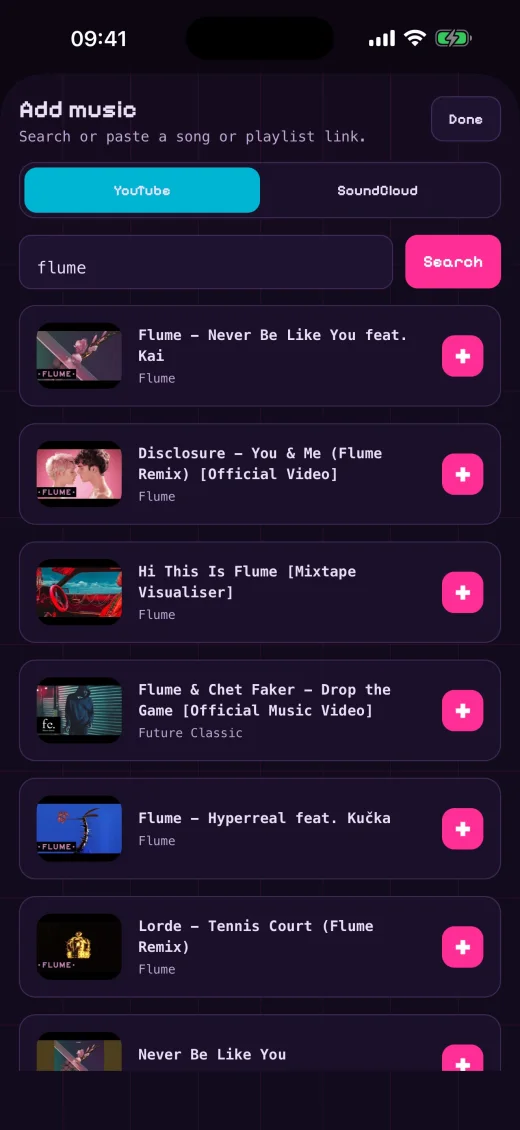
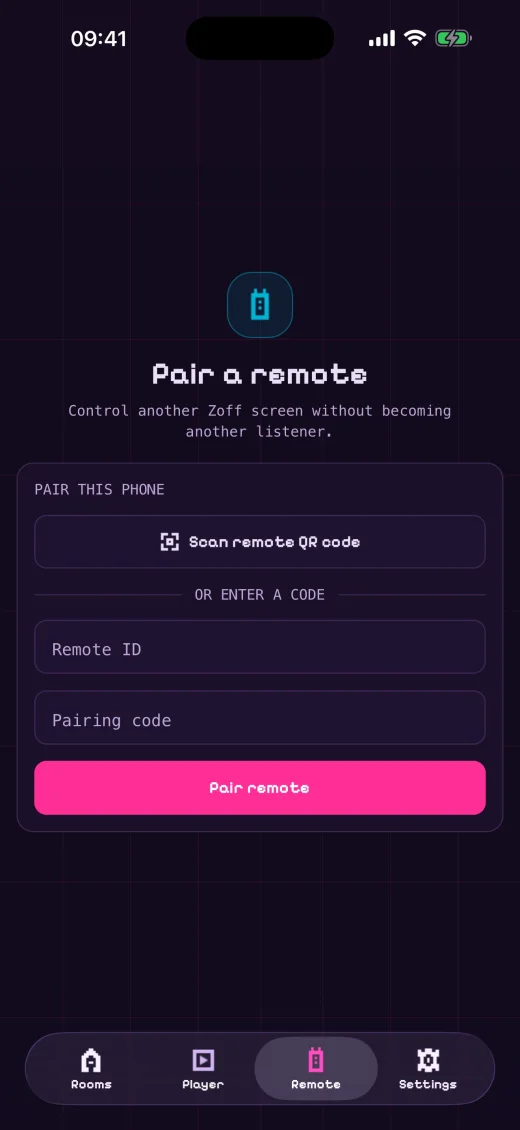
Get Zoff from the App Store to join rooms, add songs, vote and use your device as a paired remote. The native app gives you the same shared-room idea with a mobile interface and device settings.
Android phones and tablets
Find Zoff on Google Play. Open a room by name, build the queue with friends and choose whether this device plays music or only participates in controlling the room.
Android TV and casting
Use the Android TV app on a supported TV device, or Google Cast where available. Your room stays shared with the phones and browsers that join it, so the big screen does not have to be the only way to choose music.
No download needed on the web
You can also create or join a room right here at zoff.me. No Zoff account is required to begin. Music sources, track availability and playback restrictions depend on the enabled providers and their official players.